Drawing app for iPhone / iPad

PyonDraw
Available on the App Store.

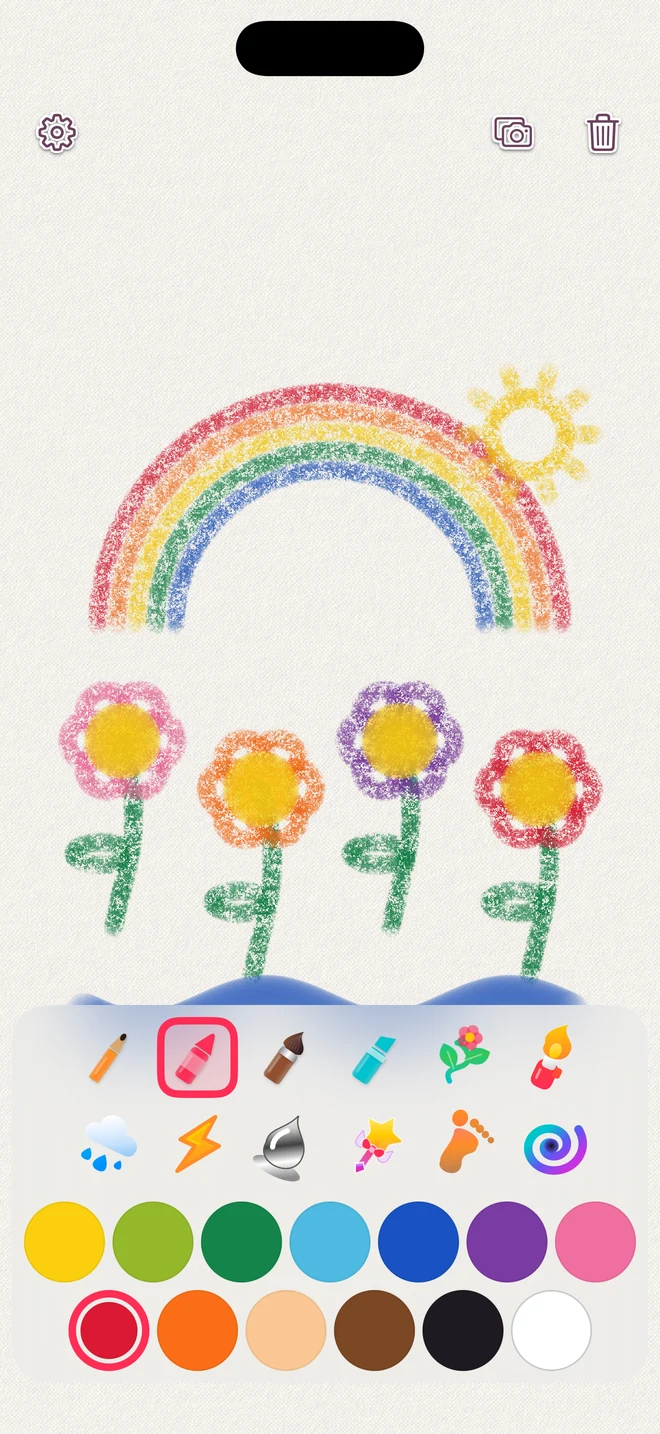
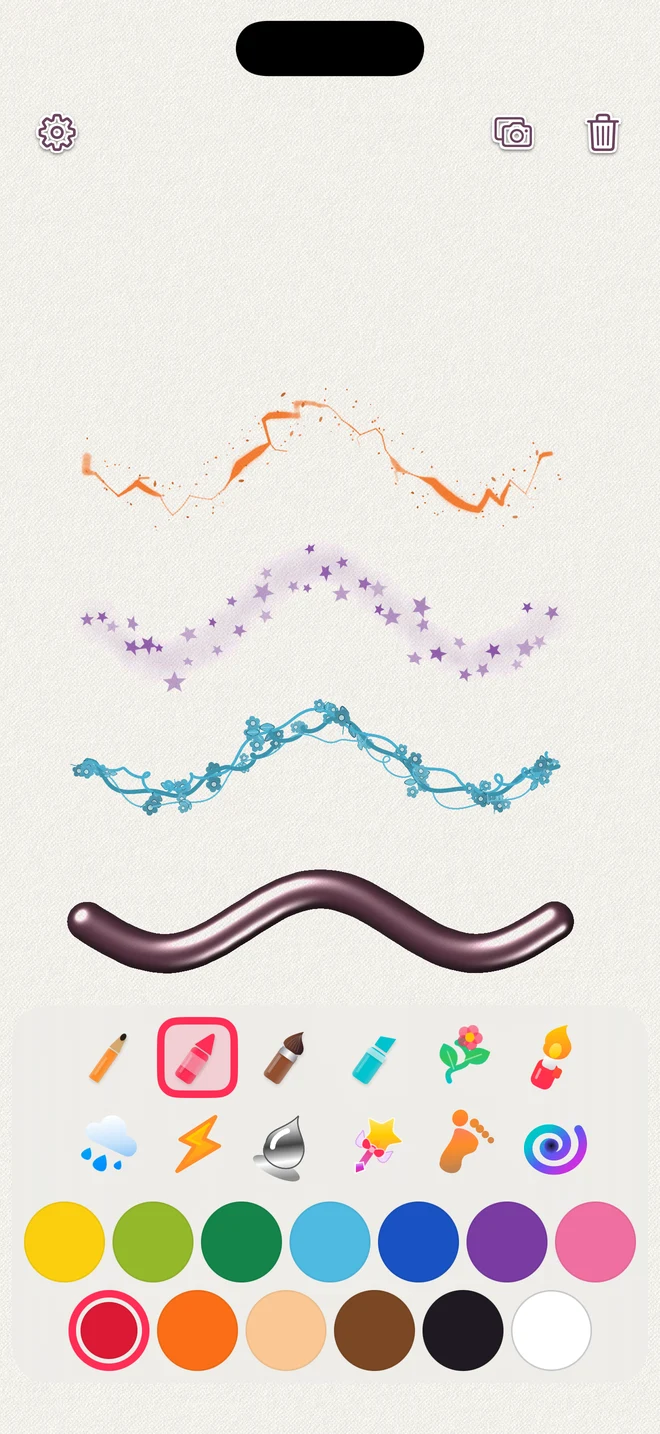
Rough crayons, sparkling stars, and growing vines. A playful drawing app for iPhone and iPad, with a different feel for every tool.
Free features
All 12 tools, all single colors, and saving artwork to Photos are available for free.
PyonDraw Plus (one-time purchase)
Free to download, with an optional in-app purchase. All single colors and photo saving are free. A one-time PyonDraw Plus purchase unlocks rainbow colors for all 12 tools. No subscription or automatic renewal. See the App Store and the app for pricing.
12 drawing tools
Pencil, crayon, ink brush, marker, plants, fire, rain, electricity, liquid metal, twinkles, footprints, and Swirl. Every tool and its effects work with free single colors. White paints with the selected material; Swirl erases.
Room to draw
A full-screen canvas with tools and colors you can place on any edge. Choose the menu size, adjust the volume, or reduce visual effects.
Save your picture to Photos
Save the visible artwork without menus to Apple Photos. PNG is the default. The smaller-file option uses JPEG at the same resolution. Your unfinished drawing is saved automatically on the device.
For parents and guardians
Rainbow information and the trial require no additional parental check. Prices, purchases, and restores are available in the parent section after a parental check. An optional passcode protects settings. Purchases, external links, and the first Photos permission request use a separate parental gate, even without a passcode.
PyonDraw screenshots
Examples of artwork in the app. Tap an image to enlarge it.